Adobe Generative Tool in Premiere Pro: The Future of Video Post?
Adobe Premiere Pro's AI-driven generative tool lets you extend shots, smooth transitions and fix mistakes, giving editors a creative, efficient way to improve narratives and solve problems in post.

The addition of AI-based generative tools in Adobe Premiere Pro marks a milestone in audiovisual post. With these innovations, extending shot length, fixing mistakes or adding essential seconds has never been easier. Below, we explore how this technology works and its possible applications in professional projects.
1. What is Premiere Pro’s generative tool?
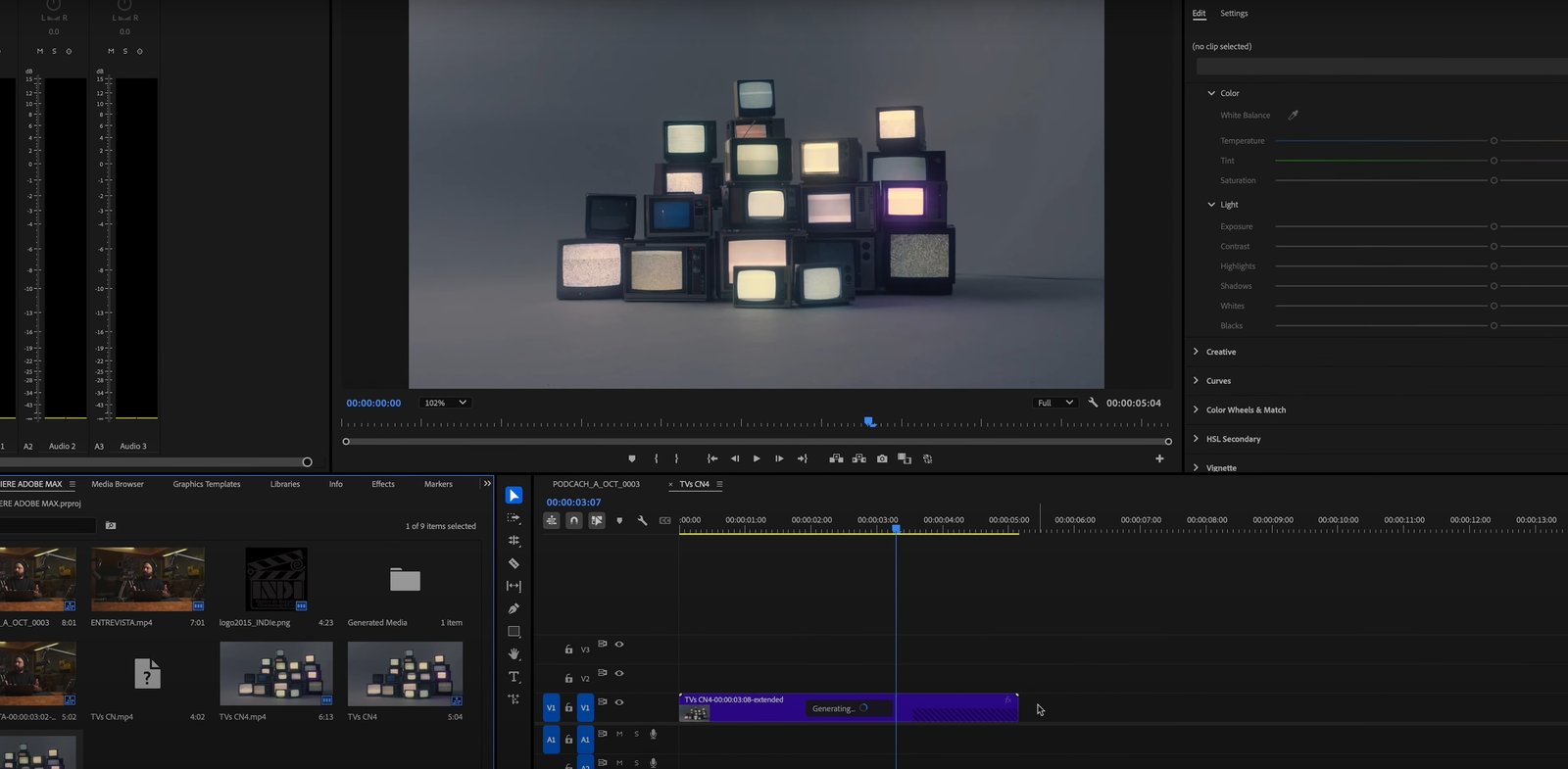
Adobe Generative Tool lets video editors extend the length of existing shots by generating additional content. Using AI, the tool analyzes the existing frames, interprets the visual context and creates smooth transitions that look like they were part of the original recording.
Main features:
-
Shot extension: ideal for shots that end abruptly or need extra seconds for a smoother narrative.
-
Transition fixes: solves problems with hard cuts or unwanted movement at the end of takes.
-
Aesthetic optimization: preserves the visual style and consistency of the scene.
2. Practical applications in video editing
While this technology opens creative possibilities, it can be particularly useful in specific situations:
a) Interviews and smooth transitions
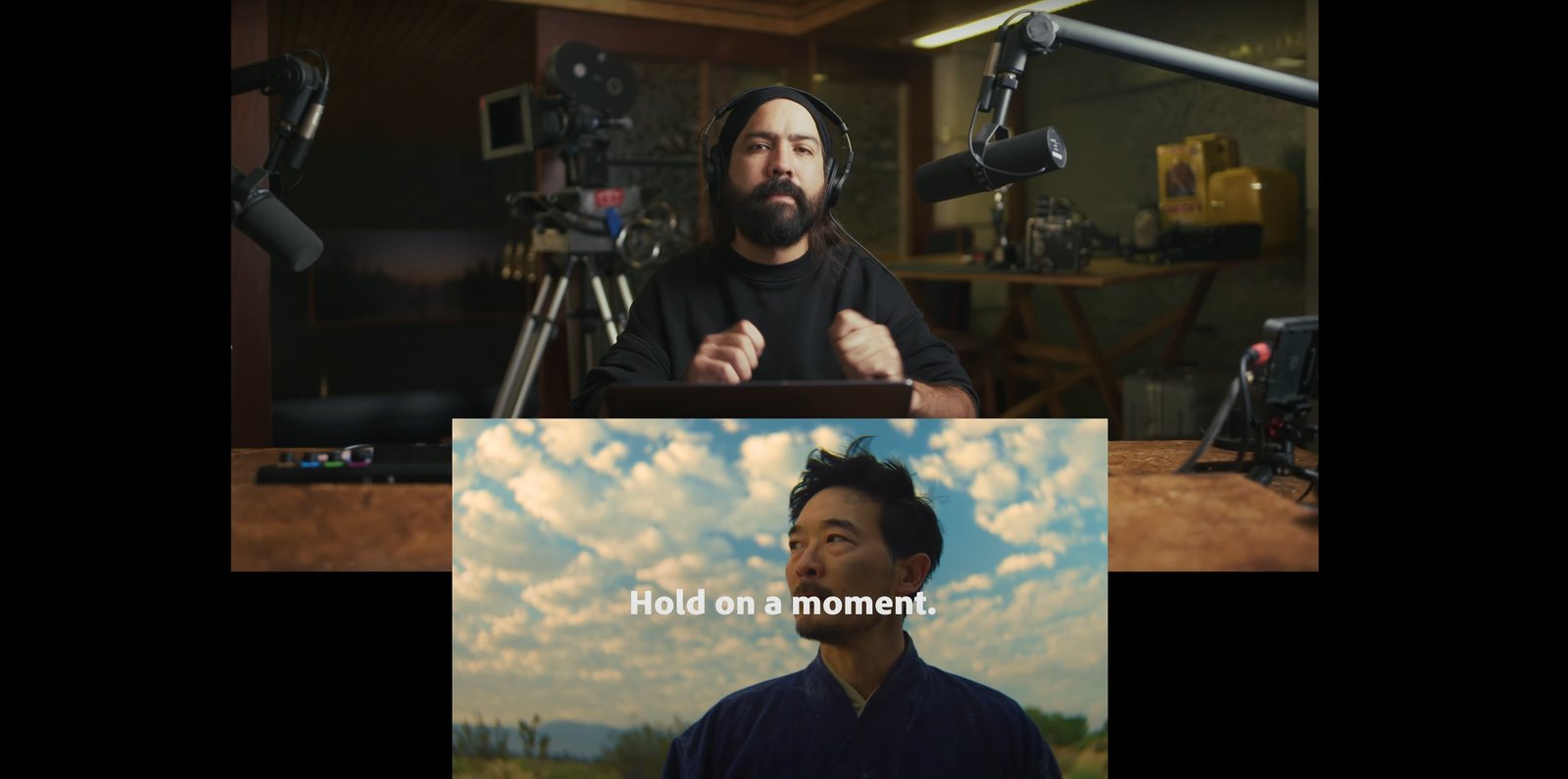
In an interview, cuts can be abrupt, especially when combining dissolves. With the generative tool, you can extend a shot to perfectly align the background and subject movement, achieving cleaner, more natural transitions.
b) Short or unstable shots
A common mistake in recordings is that certain shots are too short or have unwanted movement at the end. The tool lets you generate extra seconds so the shot has a more contemplative ending, without compromising the visual rhythm.
c) Fixing technical errors
For example, if a dolly track enters the frame too early, generative extension can hide that mistake by adding more time before the incident, as if the shot had been recorded correctly from the start.
3. How does this technology affect the workflow?
Advantages:
-
Time savings: reduces the need to redo takes or look for additional material on set.
-
Versatility: expands creative options for editors, especially on projects with limited material.
-
Accessibility: simplifies fixing mistakes for editors of different experience levels.
Limitations:
-
Fidelity to the source: while the tool is precise, it’s always better to record shots correctly from the start to avoid over-relying on these solutions.
-
Intensive processing: generating content can be demanding for systems with limited hardware.
4. Reflection: how will it impact the industry?
This technology is a lifesaver on projects where “time is money.” Documentaries, interviews and commercial content will be among the sectors that benefit most. However, it raises questions about the ethics of image manipulation, especially when recreating or extending material that could alter the original message.
5. Conclusion: a complementary tool, not a replacement
The Adobe Premiere Pro generative tool is an exciting evolution for post, but it shouldn’t replace attention to detail during the shoot. Like any AI-based tool, its true potential lies in complementing the editor’s creativity and skill.
How would you use this tool on your projects? Share your take and try these clips with Adobe Generative Tool to experience its magic for yourself.
Download Files
At this link you can download original camera RAW material, editable projects and all the resources you need to analyze the quality and formats for yourself. Free downloads so you can experiment and discover the potential of these tools.
An extra for you: if you are experimenting with AI for video, my Higgsfield link gets you discounts and promos to start — and using it supports this work.
Comments
Sign in to comment